Introduction
A server for a hotel is like the electrical panel for the building — invisible when it works, catastrophic when it fails. When you are opening a hotel, the server is probably the last thing on your mind. You are focused on interior design, staffing, marketing, and a hundred other decisions. But here is the reality: every single guest interaction at your property — from the moment they book online to the moment they check out — depends on this one piece of equipment working flawlessly. If it goes down, your front desk cannot check anyone in, your restaurant cannot process orders, and your staff cannot encode room key cards. Guests stand waiting. Reviews suffer. Revenue is lost.
Imagine a guest arriving after a long flight. They approach the front desk, and the system takes 30 seconds to respond to every click. The check-in that should take 2 minutes takes 10. That guest's first impression of your hotel — before they ever see their room — is already negative. That is what an underpowered or poorly chosen server does to your business.
The good news is that getting this right is not complicated when you have the right guidance. You do not need to become a technology expert. You need to understand the key decisions, the costs involved, and the risks of cutting corners. In this guide, we translate the technical world of hotel servers into the business language of costs, timelines, risks, and operational impact. Whether you are opening a 30-room boutique property or a 200-room full-service resort, this guide will help you ask the right questions, avoid expensive mistakes, and make confident decisions.
What to Consider Before Choosing a Server
Here is the most expensive mistake we see hotel owners make: buying the server before deciding which software systems the hotel will use. This is like ordering furniture before you have the floor plans. You will either spend too much on equipment you do not need, or too little on equipment that cannot handle the workload — and both scenarios cost you real money.
Choosing the wrong server can mean $3,000-$8,000 in unexpected additional costs — either from buying hardware you never needed, or from having to replace underpowered equipment six months after opening when performance problems become unbearable.
From our practice, we have seen hotels purchase a powerful, expensive server only to discover that their chosen front desk software runs entirely in the cloud, making most of that investment unnecessary. We have also seen the opposite: one of the hotels we support assumed “everything is online these days” and bought almost no local equipment, only to face agonizing slowdowns and outages every time their internet connection hiccupped during peak season. The reality for most hotels is somewhere in between — some systems run on your own equipment, others run in the cloud, and getting the balance right saves you significant money.

Before spending a single dollar on hardware, sit down with your IT consultant and answer these questions for every system your hotel will use — your front desk software, your restaurant system, your door lock system, your accounting software, and your fiscal receipt system: Does each one need a local server, or does it run in the cloud? The answers will form the entire blueprint for what you need to buy. Skip this step, and you are essentially gambling with thousands of dollars.
The Correct Order of Server Selection
Many people think buying a server is the first step. In reality, choosing the server brand and model is the last step. Before comparing Dell, HP, or Lenovo, the following decisions must be made first:
- Software requirements — What applications will run? Cloud or On-Premise?
- Virtualisation architecture — Modern servers run multiple "virtual servers" inside one physical machine. For example, a single physical server might host: an Opera server, a file server, a backup server, and a Domain Controller — each isolated from the others. Your IT specialist must plan how many virtual servers will run and what resources each one needs.
- Backup strategy — How will each virtual server be backed up? Where will backups be stored? On a separate server or in the cloud?
- RAID configuration — Which disk protection type will be used? This determines how many disks are needed and what capacity.
- Resource calculation — Only after all virtual server requirements are known can the total RAM, CPU, and disk capacity be calculated.
- Server brand and model selection — And only now, when you know exactly what you need, do you start comparing specific models and prices.
Choosing a server is the last step, not the first. You need to know what software you will run, what virtualisation architecture you will use, how backups will work, and what RAID type is needed. Only then can you buy hardware — otherwise, you will either overspend on equipment you don't need, or underspend and face problems within months.
On-Premise Systems — What Your Server Needs to Handle
When your hotel's critical systems run on a server located on your property (known as "on-premise"), the quality of that server directly determines how fast and reliably your staff can serve guests. Think of it this way: the difference between an adequate server and a good one is typically a few thousand dollars. The cost of that server failing during a sold-out weekend — lost revenue, overtime pay for staff handling things manually, and the online reviews from frustrated guests — can easily exceed that. Here is what matters and why.
Processing Power — How Fast Your Systems Respond
The processor is the brain of your server. When it is underpowered, everything slows down: check-ins take longer, the restaurant point-of-sale freezes during dinner rush, reports that should generate in seconds take minutes, and your staff is left apologizing to guests. Your server is not running just one program — it is simultaneously handling your front desk system, restaurant system, door lock encoding, financial transactions, and more. During your busiest hours (morning checkout, evening restaurant service), all of these systems are running at full capacity at the same time. Your IT provider should recommend a server-grade processor (not a desktop computer chip) with enough capacity to handle these peak moments without breaking a sweat. For most hotels with 50 or more rooms, this is a non-negotiable investment.
Memory — How Many Tasks the Server Can Juggle at Once
If the processor is the brain, memory is the desk space where active work happens. When memory runs low, the server starts struggling to keep up — and you see it as frozen screens at the front desk, delays posting restaurant charges to guest rooms, and slow report generation in the back office. Your IT provider will specify the right amount based on your hotel's size and the number of systems running. The key point for you as a decision-maker: insist on server-grade memory (called ECC memory), which has built-in error protection. It costs about 15-20% more than standard memory, but it prevents the kind of silent data corruption that can damage your guest database or financial records. When you consider that this database holds years of guest history, reservations, and financial transactions, the small premium is insignificant.
Storage — Where Your Data Lives
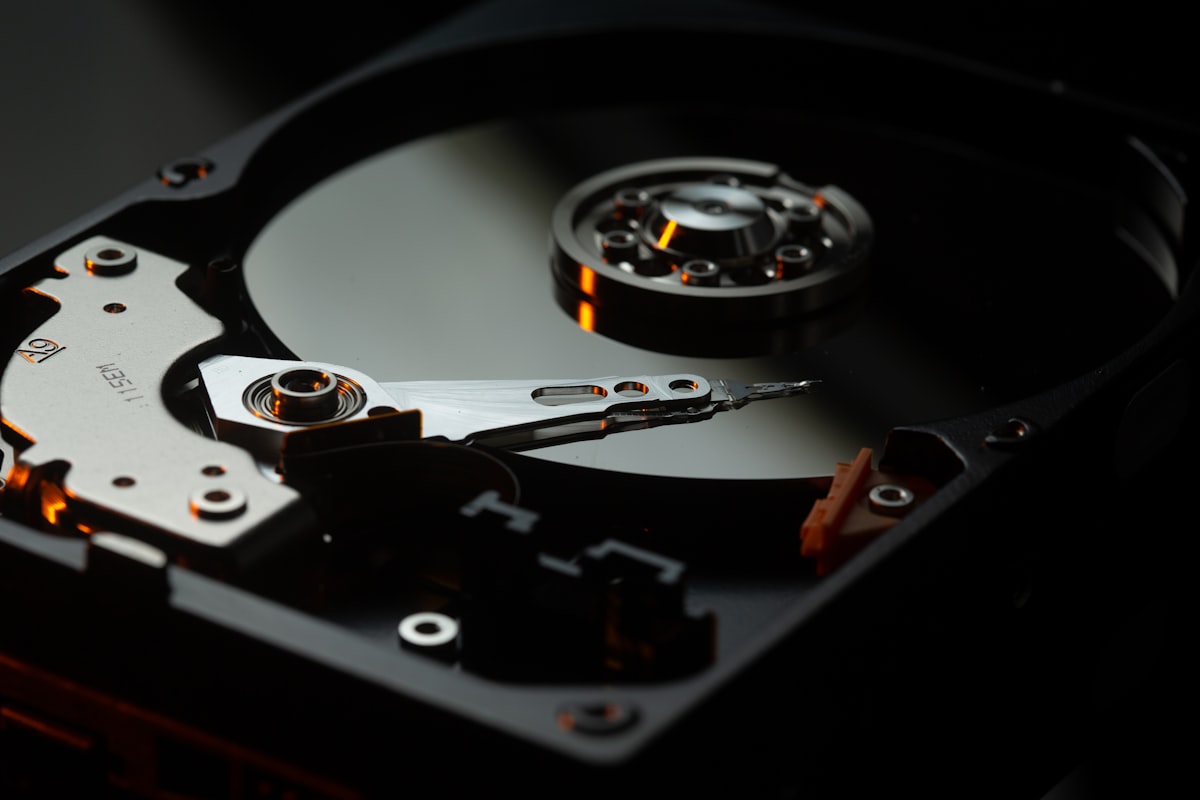
This is where all your hotel's data is stored: guest records, financial transactions, reservations, reports — everything. Two things matter here from a business perspective. First, speed: modern high-speed drives (called NVMe SSDs) make your front desk system respond noticeably faster than older drive technology. When your receptionist pulls up a reservation, the difference is instant versus a visible delay — and that difference is felt by every guest at the front desk. Second, and more importantly, protection: your server should be configured so that if a hard drive fails, your hotel continues operating without any data loss. This is done through a technology called drive mirroring or redundancy — essentially, your data is automatically written to multiple drives simultaneously, so no single drive failure can take you down. This is not optional. It is the difference between a minor maintenance event and a catastrophic data loss that could shut down your operations.
Built-in Safety Nets
A properly specified hotel server comes with features that prevent small problems from becoming big ones. Dual power supplies mean that if one power unit fails, the second takes over instantly — your staff will not even notice. Hot-swap drive bays mean a failed drive can be replaced by a technician without shutting down the server — critical when your hotel operates 24 hours a day, 7 days a week. Remote management allows your IT provider to monitor the server's health, diagnose problems, and even restart it from their office at any hour — no need to wait for an emergency on-site visit at 2 AM. The cost difference between a server with these safety features and one without is typically 10-15% of the total price. Consider it insurance — far cheaper than even a single unplanned outage.
Cloud Systems — Why "Everything Is Online" Does Not Mean "No Local Equipment"
If your software vendor tells you everything runs "in the cloud," you might think you can skip buying local equipment entirely. This is one of the most dangerous assumptions in hotel IT. Even when all your applications run on remote servers managed by the software company, you still need significant local infrastructure to make sure those cloud systems actually work reliably for your staff and guests.
Think of it this way: the cloud is like a water treatment plant miles away. It can produce the cleanest water in the world, but if the pipes in your building are old and leaky, your guests still get a bad experience. Your local network is the plumbing that delivers cloud services to every front desk, restaurant terminal, and back office in your hotel.
You need professional-grade networking equipment — not the consumer routers and switches you would use at home. Your network must reliably separate guest internet traffic from your operational systems (so a lobby full of guests streaming video does not slow down your front desk). You need business-grade WiFi covering every area of the property, including back-of-house areas where housekeeping staff use mobile devices. You need computers or terminals at every point of operation — front desk, restaurants, bars, spa, back office — and these need to be properly maintained.
Most critically, you need internet connections from at least two different providers, with automatic switching between them. For a cloud-dependent hotel, your internet connection is the lifeline of your entire operation. If you rely on a single provider and they have an outage, your hotel is effectively paralyzed — no check-ins, no restaurant orders, no key card encoding. A second internet connection from a different provider, with automatic failover, costs a fraction of the revenue you would lose during even a few hours of downtime. This is the reality of modern hotel technology: even when your software lives in someone else's data center, you still need to invest seriously in local equipment to make it all work.
Essential Hotel IT Systems
Your hotel server does not run just one program. It supports an entire ecosystem of interconnected systems, each critical to a different aspect of your operation. Understanding what these systems do — and why they matter to your bottom line — will help you appreciate what your server needs to handle.
Opera PMS (Property Management System — the Software That Runs Your Front Desk)
This is the heart of your hotel. Opera PMS handles reservations, guest check-in and check-out, room assignments, housekeeping coordination, billing, rate management, and guest history. Every front desk interaction runs through this system. Oracle, the company behind Opera, offers two versions: Opera Cloud (hosted by Oracle, accessed through a web browser) and Opera V5 (installed on your own server). If you choose Opera V5, it will be the most demanding application on your server — it is the primary factor in determining what hardware you need. The choice between cloud and on-premise has major implications for your budget, your ongoing costs, and your dependency on internet connectivity. This decision should be made carefully with input from both your IT consultant and the Oracle representative.
Simphony POS (Point of Sale — the Software That Runs Your Restaurants and Bars)
Every food and beverage outlet in your hotel depends on this system. Simphony POS (Point of Sale) handles order entry, table management, kitchen display routing, split checks, tax calculations, and end-of-day reporting across all your restaurants, bars, room service, pool bars, and banquet operations. Crucially, Simphony connects directly to Opera PMS, which is what allows a guest to say "charge it to my room" at the restaurant. This seamless integration is something guests expect at any quality hotel, and it requires both systems to communicate through your server continuously and in real time.
The Integration Layer — The Invisible System That Connects Everything
This is the component hotel owners most often overlook, yet it is responsible for the guest experiences you care most about. The integration layer is software that runs on your server and acts as a translator between all your different systems:
- Restaurant-to-room charges — when a guest says "put it on my room" at the bar, this system posts the charge to their folio in real time
- Fiscal compliance — connecting to government-mandated tax receipt devices, ensuring every transaction is legally recorded
- Door lock key cards — when a guest checks in, this system tells the key card encoder which room, which dates, and which access areas. If this is slow, guests wait at the front desk while their key cards are being programmed
- Phone system integration — tracking guest phone calls for billing, scheduling wake-up calls, and managing voicemail
- Website booking engine — direct bookings from your website flow into the front desk system automatically as confirmed reservations
- Payment processing — credit card authorizations at check-in and settlement at check-out pass through this layer
Each of these integrations runs constantly in the background. When the server is underpowered or unreliable, these connections break — and the consequences are immediately visible to guests: slow key card encoding, charges that do not post to rooms, and manual workarounds that slow down your entire operation.
Supporting Systems
Inventory management tracks your food and beverage stock — ingredients, recipes, purchase orders, and consumption. It connects to your restaurant system to automatically deduct inventory as items are sold, helping you control food costs and reduce waste. For hotels with significant F&B operations, this system can pay for itself many times over.
Accounting software receives revenue data from your front desk system, expense data from inventory management, and payroll data from HR. Whether it runs locally or in the cloud affects your server requirements.
Shared file storage gives every department a secure place to store and access documents — operating procedures, sales contracts, employee records, financial reports. Centralized storage with proper access controls means the right people see the right files, and everything is backed up in one place.
Centralized user management (called Active Directory) is what allows your IT team to control who can log in to which computers, enforce security policies like password requirements, and manage all hotel workstations from a single console. For hotels with 20 or more computers, this is essential — without it, managing security and access across dozens of devices becomes an administrative nightmare and a serious security risk.
A separate backup machine is non-negotiable. Your backups must live on a physically separate device from your main server. If your main server suffers a hardware failure or a ransomware attack (where criminals encrypt your data and demand payment), backups stored on the same machine are equally destroyed. From our practice: one of the hotels we support discovered during a server replacement that their backups had been writing to the same disk as their primary data for years — there was no separate copy. Fortunately it was a routine hardware swap, not a ransomware incident. Had it been the latter, both the primary data and the backup would have been lost in one event. A dedicated backup device — even a modest NAS — provides the physical separation that is your last line of defense.

Physical Infrastructure
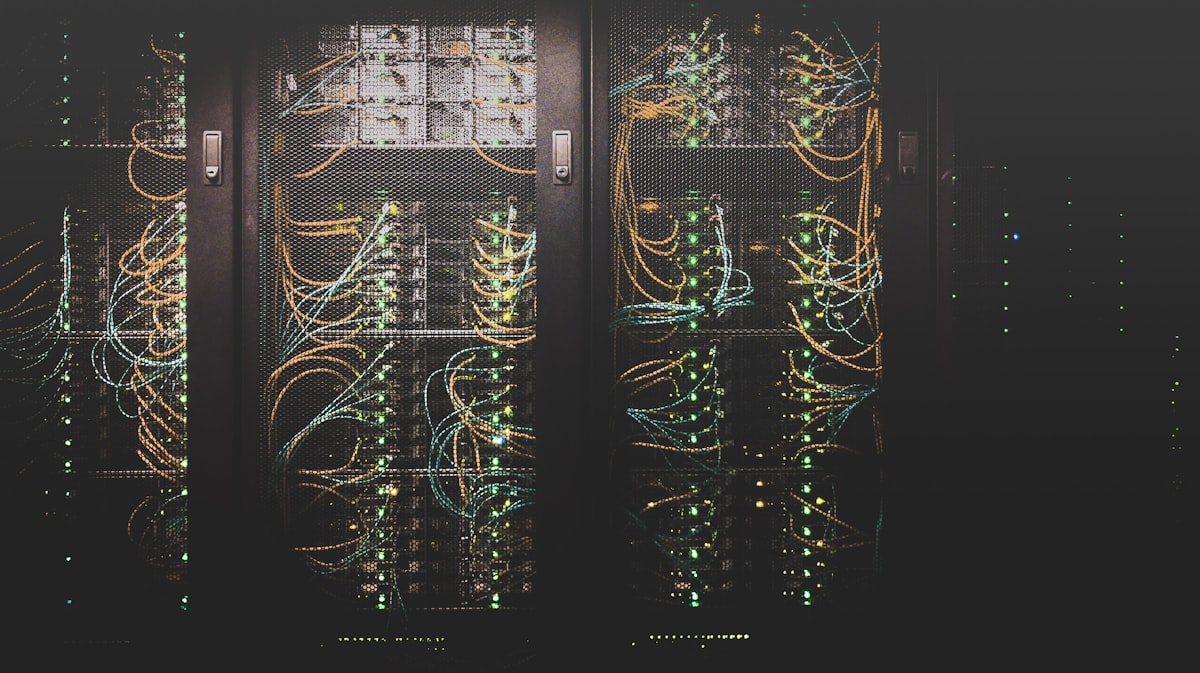
You can buy the best server in the world, but if the room where it lives is not properly prepared, none of that investment matters. This is where many hotel projects run into expensive problems — because the requirements for the server room are communicated too late, after construction decisions have already been made. If you are in the building or renovation phase, the time to plan the server room is now — not after the walls are finished.
The Server Cabinet — A Surprisingly Common and Expensive Mistake
This is the single most common physical mistake we see in hotel projects. During construction, someone installs a “network cabinet” — a shallow wall-mounted box designed for small networking equipment. Then the server arrives, and it physically does not fit. The cabinet is too shallow. At that point, every option is expensive and disruptive: tear out the cabinet and install a proper one (possibly modifying the room), or return the server and buy a different model with weaker specifications.
From our practice, we have seen this happen dozens of times. It delays openings, typically adds $2,000–$5,000 in unexpected costs, and is entirely preventable with one simple step: tell your contractor that you need a full-depth server cabinet (at least 1000mm deep), not a shallow networking box. A 5-minute conversation during the planning phase prevents a major headache later.
Power Protection — Keeping Your Hotel Running When the Lights Flicker
A UPS (Uninterruptible Power Supply) is a battery backup system that keeps your server running during power outages and protects it from power surges that can damage equipment. This is not optional. Without it, even a brief power flicker can cause an uncontrolled shutdown of your server, potentially corrupting your database. Repairing a corrupted database can take hours or even days — during which your front desk, restaurant, and other systems may be partially or fully offline.
Your UPS should provide 15 to 20 minutes of backup power — enough time to either safely shut down the server or bridge the gap until a backup generator starts. Your IT provider will size the UPS based on the total power draw of your server equipment. Budget for battery replacement every 3 to 4 years as part of your ongoing maintenance costs — the batteries wear out over time regardless of how often they are used. A UPS typically costs $1,500-$4,000 depending on capacity, but consider what even one hour of system downtime costs your hotel in lost revenue, staff overtime, and guest dissatisfaction.
Cooling — The Silent Killer of Hotel Servers
Server equipment generates a surprising amount of heat. Without dedicated cooling, the temperature in a small server room can exceed safe limits within hours, causing your equipment to slow down, malfunction, and eventually fail permanently. Your hotel's regular air conditioning system is not designed for this job. It shuts off at night, it cycles based on room temperature sensors that are not in the server room, and it is not built for the constant, concentrated heat that server equipment produces.
You need a dedicated cooling unit specifically for the server room, running 24 hours a day, 365 days a year. You also need a simple temperature monitoring device (costing as little as $200) that sends automatic alerts to your IT provider if the room gets too hot. This tiny investment can prevent catastrophic equipment failure that could cost $10,000-$20,000 or more to replace, plus the operational disruption while you wait for new equipment to arrive and be configured.

A Note on Backups
We have written a separate, detailed guide on backups because the topic is that important. But here is the essential point: backups are not something you figure out later — they must be part of your plan from day one. The principle is simple: keep three copies of your data, in at least two different locations, with one copy stored off-site (in the cloud or at another physical location). This way, no single event — hardware failure, human error, fire, or ransomware attack — can destroy all copies of your business data.
We have helped several hotels recover their files, but there were also cases where we couldn’t help — it was already too late. The difference is almost always the same: those who had a proper backup plan recovered; those who didn’t, lost everything.
As a director, you don’t need to understand the technical details, but you need to ask the right questions. Even before your hotel opens, make sure your IT person can answer these:
- “Where is our backup stored? On the same server?”
- “When was the last backup made?”
- “If everything is lost right now, how long until we recover?”
- “Has anyone ever tested the backup? Does it actually work?”
- “If the server is stolen or there’s a fire — is the backup stored off-site?”
For a complete walkthrough of how to protect your hotel’s data, including protection against ransomware (a growing threat where criminals encrypt your data and demand payment), read our detailed guide: How to Properly Backup Hotel IT Systems.
Conclusion
Choosing the right server for your hotel does not require you to become a technology expert. It requires you to understand the key decisions, ask the right questions, and work with an experienced IT partner who understands hospitality. Here are the decisions that matter most: finalize your software choices before buying any hardware (this single step prevents the most expensive mistakes); invest in business-grade server equipment with built-in protection against failures; plan your server room early in the construction process to avoid costly rework; always maintain backups on a separate device; and never rely on a single internet connection if your systems depend on the cloud.
The investment in proper server infrastructure is typically less than 1% of your total hotel development budget, but it directly affects 100% of your daily guest interactions. Every reservation, every check-in, every restaurant order, and every checkout flows through this equipment. A $5,000 saving on server hardware that leads to slow systems, outages, or data loss is not a saving — it is a liability that will cost you far more in lost revenue and damaged reputation.
At ITConnect, we specialize in hotel IT infrastructure and speak both languages — technology and hospitality. We work with hotel owners and general managers at every stage, from pre-opening planning to ongoing support after you are operational.
Planning a hotel? Let's talk infrastructure.
Our team has years of hands-on experience planning and deploying hotel IT systems. Book a free consultation — we will help you make the right decisions before you make the expensive ones.
Get in Touch