Introduction
One of the most useful things modern IT support can do is fix a problem before an employee or a guest notices it. Artificial intelligence (AI) now helps with this in practice: it reviews large volumes of monitoring data at once, picks up signs that are easy for a person to miss, and frees engineers to spend their time where experience matters most.
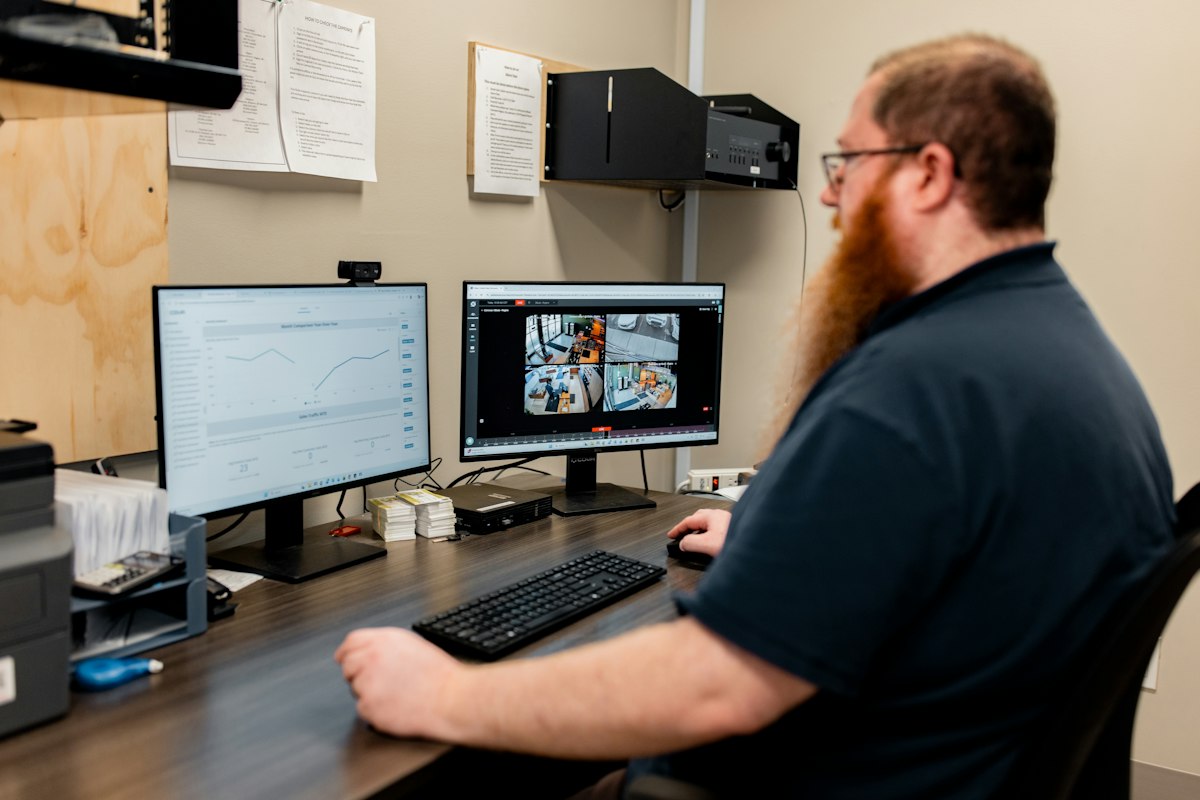
At ITConnect, our 24/7 monitoring runs on Zabbix and we handle requests in our own helpdesk system. AI works on top of that foundation as an additional layer. This article explains in plain terms what it does in practice, what stays in human hands, and what it means for your business.
How it works in practice
AI is not a separate magic button; it is built into the same process that monitoring and support already follow:
- Monitoring — Zabbix collects data 24/7 from servers, the network, Wi-Fi, UPS units and backups.
- Analysis — AI picks up unusual trends in that data and groups related alerts together.
- Ticket — when action is needed, a request appears in the helpdesk with a category and a priority.
- Resolution — an engineer reviews the situation, runs diagnostics and fixes the problem.
- Communication — you receive a clear update, and a summary report at the end of the month.
Issues show up earlier
Many outages do not appear out of nowhere; there are early signs. AI looks for unusual trends in monitoring data and helps us act in time. For example:
- A disk that is filling faster than usual — we can see how much time is left and add or clear space as a planned task.
- A UPS battery that is ageing — we replace it on a schedule, not when the power drops.
- A Wi-Fi access point whose quality is slowly slipping — we notice before guests or staff start to complain.
- A backup that has not completed fully for several nights — we find out the same day, not when a restore is needed.
The same data supports capacity forecasts: when a server will need more disk space, memory or internet bandwidth. This makes budgeting easier, because the cost is visible ahead of time instead of arriving as a surprise.
Here is an illustrative example: free disk space on an office server shrinks steadily over several weeks. Monitoring picks up the trend early and calculates that the space will run out in roughly a month. The engineer tells the manager in advance and carries out the fix at a time that suits both sides. Work does not stop and nobody gets an urgent call (this is an illustration, not a description of a real case).
One incident, not many alerts
When a single network switch goes down, monitoring can raise dozens of alerts, because every device connected to it reports separately. Finding the real cause in that noise takes time. With AI assistance:
- related alerts are grouped into a single incident;
- the probable cause is identified faster, for example one switch rather than twenty separate problems;
- repetitive, low-value signals do not distract the engineer, who can focus on what matters.
The result is faster diagnosis, and you receive one clear message instead of ten confusing ones.
Faster tickets, clearer updates
In the helpdesk, AI takes on the routine parts so the engineer can concentrate on solving the problem:
- each request is automatically categorised and given a priority, so urgent items do not get lost in the queue;
- long email threads are summarised, so a new engineer does not have to read everything from the start;
- based on similar past cases, the engineer gets a suggested solution to consider;
- status updates are written in language you can follow: what happened, what we are doing and when it should be resolved.
The engineer decides which approach to take. AI reduces the time spent searching, which for you means a quicker response.
Reports in plain language
Technical data is often too detailed for management. AI helps us turn monitoring and ticket data into a monthly health report that answers the main questions in ordinary business language:
- what condition your systems are in;
- what issues occurred this month and how they were resolved;
- what we noticed that will need attention in the future;
- which decisions, if any, are needed from you.
One of our engineers reviews the report before it reaches you, so it is both accurate and easy to read.
Security signals
AI helps us notice unusual behaviour: a login at an odd time or from an unexpected place, a series of failed sign-in attempts, or a sudden spike in network traffic. Such a signal is not an automatic decision. It goes to an engineer, who checks whether it is a real threat or an ordinary situation (for example, an employee signing in from a business trip) and decides what to do next.
What stays human
AI supports engineers; it does not replace them. At ITConnect, people decide everything that affects your business:
- Decisions — what the priority is, when the work is done and how the problem is solved.
- Configuration changes — an engineer changes and verifies system settings; nothing changes automatically.
- The client relationship — calling, explaining, planning and on-site visits are done by people.
AI can make mistakes, so its output is always under human supervision. This balance gives us both speed and reliability.
What you gain
When monitoring, the helpdesk and AI are overseen by experienced engineers, here is what it looks like in practice for you:
- Less downtime — some problems are resolved before they affect daily work.
- Faster response — the engineer receives each request already sorted and with context.
- Predictable costs — capacity and wear forecasts help you plan new equipment ahead of time.
- Better visibility — the monthly report shows what is happening in your infrastructure.
We do not promise specific numbers, because every business is different. AI does not make problems disappear, but it helps us see them earlier and solve them faster.
Who benefits most
- Companies without their own IT department that want an experienced team watching their systems;
- Businesses where downtime shows up directly in service: hotels, restaurants, clinics and offices;
- Organisations with a single IT specialist who would like extra support and continuous monitoring, including on days off and during holidays.
Questions you can ask your IT provider
- Which systems are monitored 24/7, and who responds to an alert?
- Do you warn us before a problem happens, or only after?
- Do we receive a regular report that we can understand?
- Who makes the final decision and who carries out the changes?
If you would like a team of specialists to keep watch over your IT infrastructure, take a look at our monitoring service and IT outsourcing.
Frequently Asked Questions
How does AI help IT support and monitoring?
It looks for unusual trends in monitoring data so problems are caught earlier, groups related alerts into one incident, categorises and prioritises helpdesk requests, summarises long email threads, suggests solutions based on similar past cases, and helps turn data into plain-language reports.
What does ITConnect's monitoring run on?
ITConnect's 24/7 monitoring runs on Zabbix, and requests are handled in its own helpdesk system. AI works on top of that foundation as an additional layer.
Does AI make the decisions?
No. The engineer decides which approach to take, and AI reduces the time spent searching. The monthly health report is reviewed by one of the engineers before it reaches the client.
Why is one incident better than many alerts?
When a single network switch goes down, monitoring can raise dozens of alerts because every connected device reports separately. Grouping them into one incident helps find the probable cause faster, and you receive one clear message instead of ten confusing ones.
Want someone watching your IT infrastructure 24/7?
The ITConnect team monitors your systems with Zabbix, handles requests in our own helpdesk and sends you a clear monthly report. Get in touch and we will work out together what you need.
Contact us